Guide • 6 min read
How to Get an SRT File From a Suno Song
You can watch the lyrics land in time with your track inside Suno, and there is still no way to download that as a file. No SRT, no LRC — nothing you can drop into CapCut, Premiere or YouTube. The timing clearly exists; it just isn't yours. This page covers how to get a proper subtitle file for a Suno track, timed to the individual word rather than the line.
You Can See the Timing. You Just Can't Download It.
Play a track back in Suno and the words highlight as they're sung. The alignment is right there on screen. But there's no export button for it, and people have been asking for one since at least October 2025 — repeatedly, in the feature-request channels, with no file to show for it.
So the workarounds get inventive. Running OpenAI's Whisper from the command line and piping the output through ffmpeg. Rebuilding the captions in a separate video tool, then trying to extract the file back out. One person set up a screen reader to screenshot Suno's video every time the lyrics changed, then converted those images back into timed text. That is a lot of work to recover data you were already looking at.
And your prompt won't stand in for it. When you hand Suno lyrics, the model interprets them — ad-libs appear, phrasing shifts, words stretch across bars, harmonies double lines. Paste your original text into a subtitle track and it drifts out of sync within about fifteen seconds.
What you need is a file timed against the audio Suno actually produced, not the text you gave it.
Why Subtitles Make AI Music Actually Usable
On social media, music with visible lyrics dramatically outperforms plain audio. The data on this is consistent across platforms:
- 85% watch videos muted. Most social media scrolling happens with sound off. On-screen lyrics mean your music content actually communicates to silent scrollers.
- Lyrics drive singalongs. When people can see the words, they engage differently. Comments, duets, stitches, covers — all more likely when viewers know the lyrics.
- YouTube requires them. For a proper lyric video on YouTube, you need timed subtitles. It's the format viewers expect — an audio visualizer alone looks amateur.
- Accessibility matters. Captions make your content accessible to deaf and hard-of-hearing audiences. It's also increasingly expected by platforms pushing accessibility.
The irony is that AI music creation has made producing songs trivially easy, but the "last mile" of making that music into usable content remains frustratingly manual — unless you have the right tools.
The Workflow, Start to Finish
Six steps from a finished Suno track to a subtitle file sitting on your CapCut timeline. Roughly five minutes for a three-minute song.
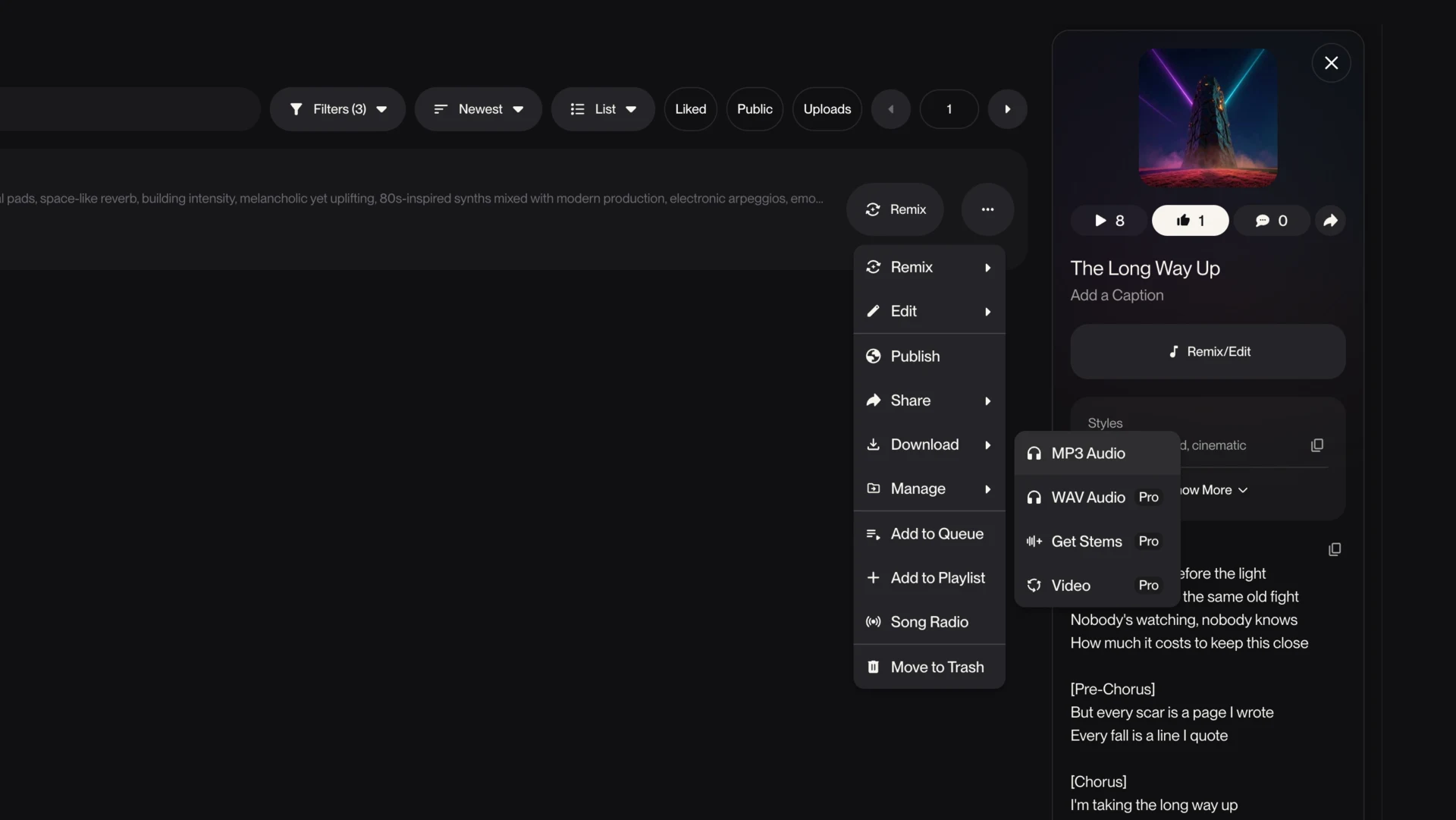
Download the MP3 from Suno
MP3 is fine — WAV makes no difference to timing accuracy. This is the only step that happens inside Suno.
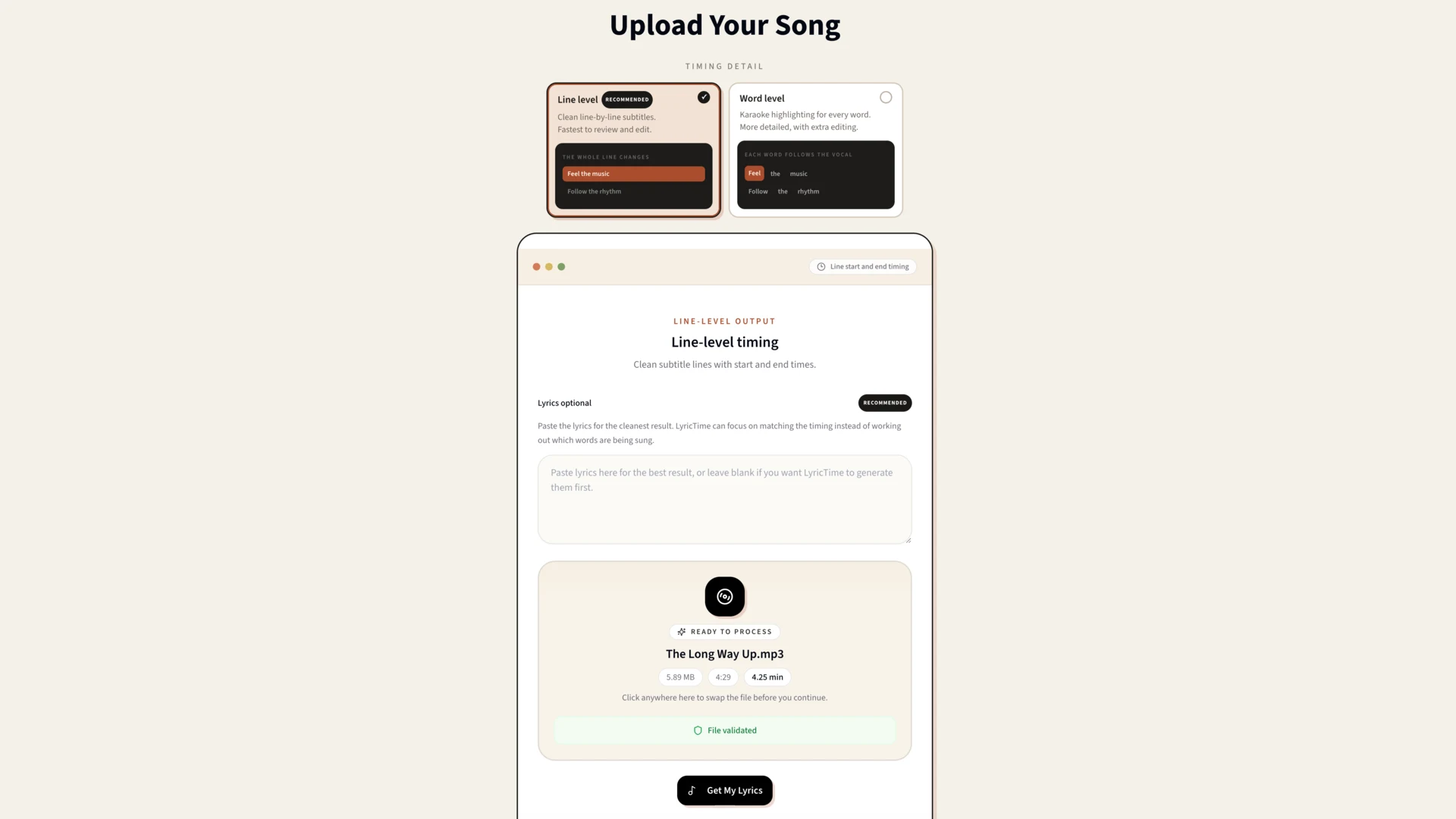
Upload the audio
Drop the file in. What matters here is that the timing gets built from the audio that was actually produced, not from the prompt you wrote.
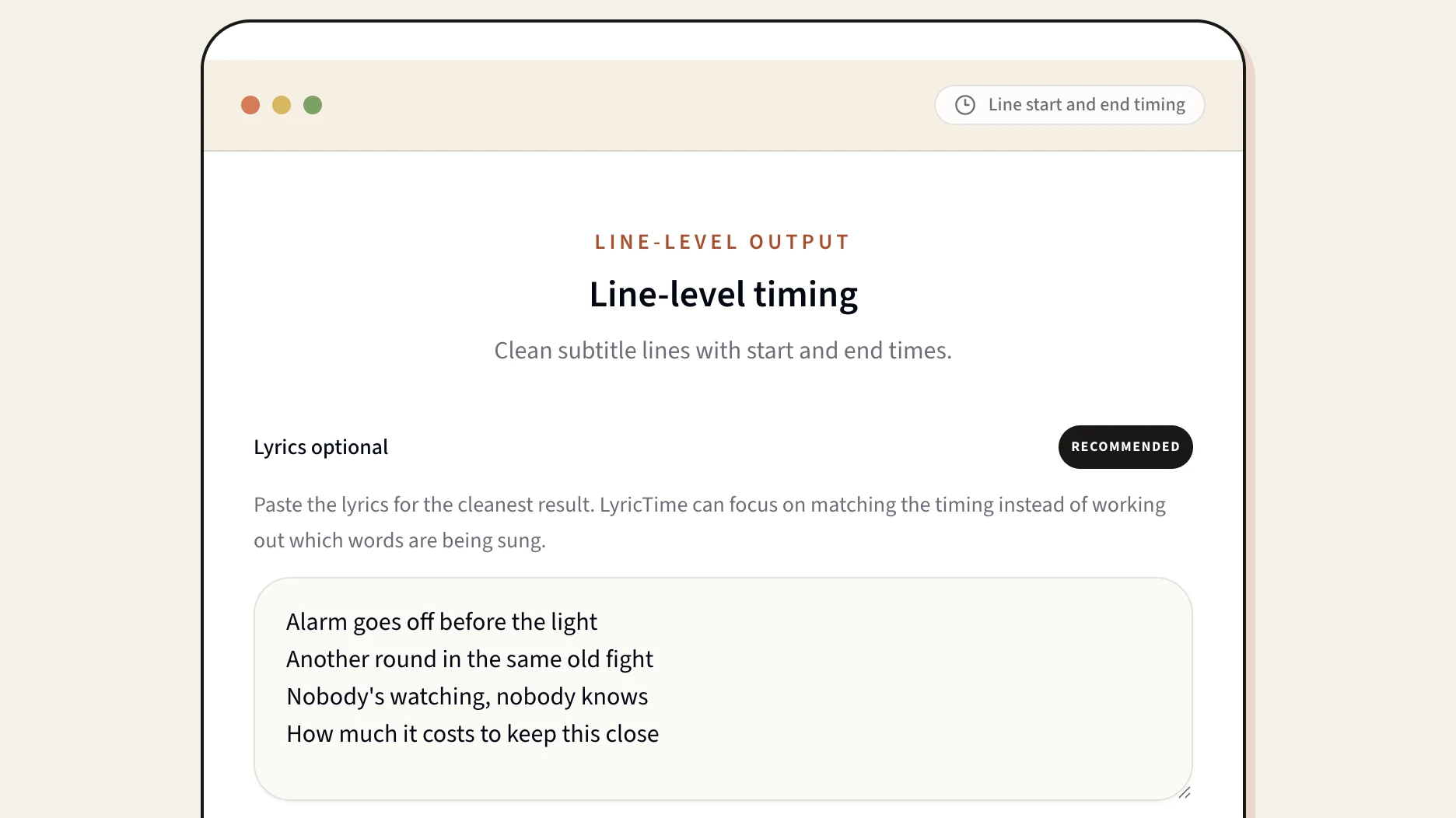
Paste your lyrics, or let it transcribe
Two routes. Paste the lyrics you already have and they get aligned to the vocal — accurate, because the words are already correct. Or skip it and let the transcription work them out from the audio, which is useful when Suno has improvised past what you wrote.
Check the timing
Play it back against the waveform. AI vocals are usually cleaner than human recordings, so there is normally little to fix — but ad-libs and stacked harmonies are worth a look.
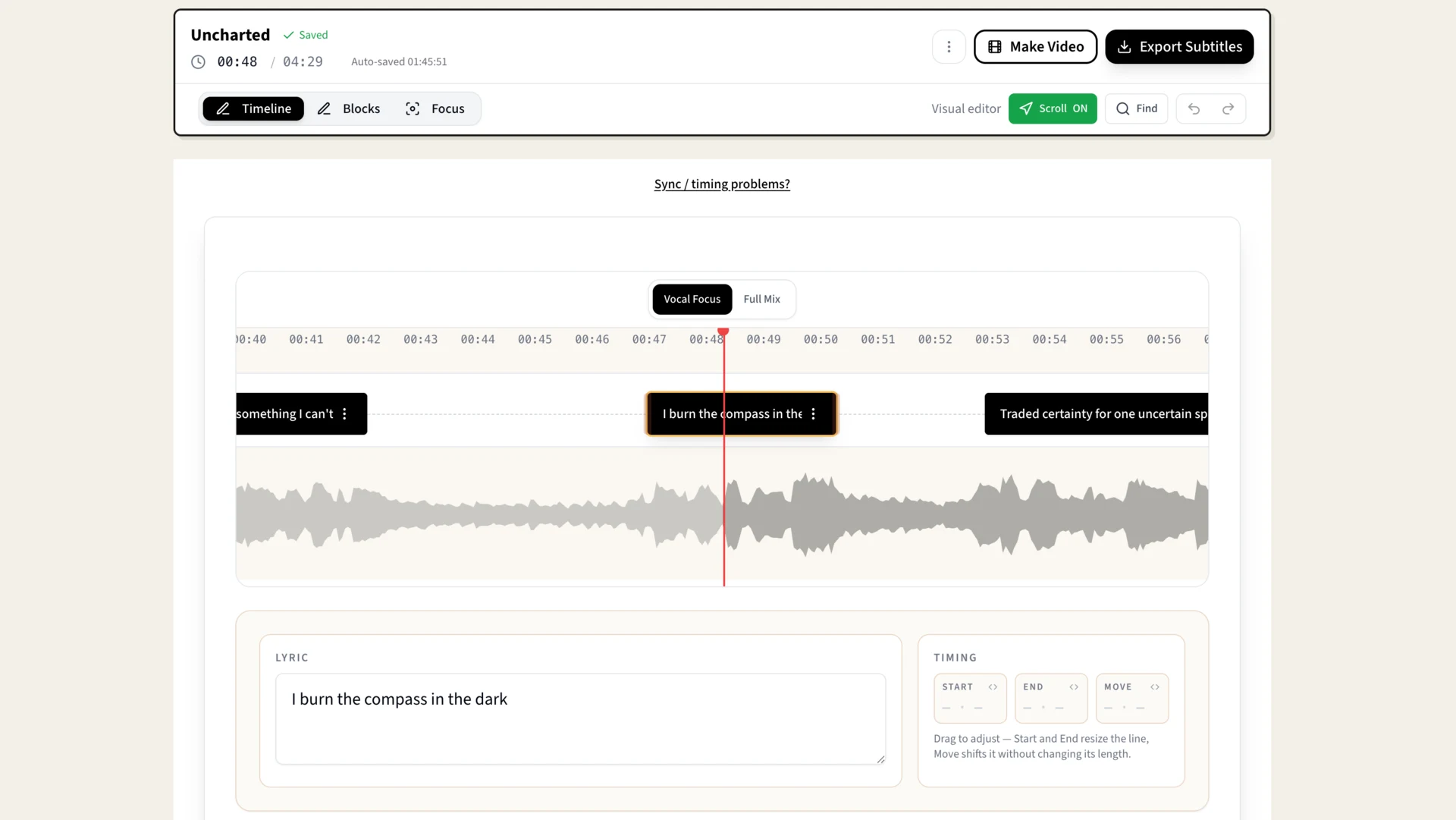
Adjust individual words
Every word carries its own timestamp, so you can nudge a single one without disturbing the line around it. This is the part that makes karaoke-style highlighting possible.
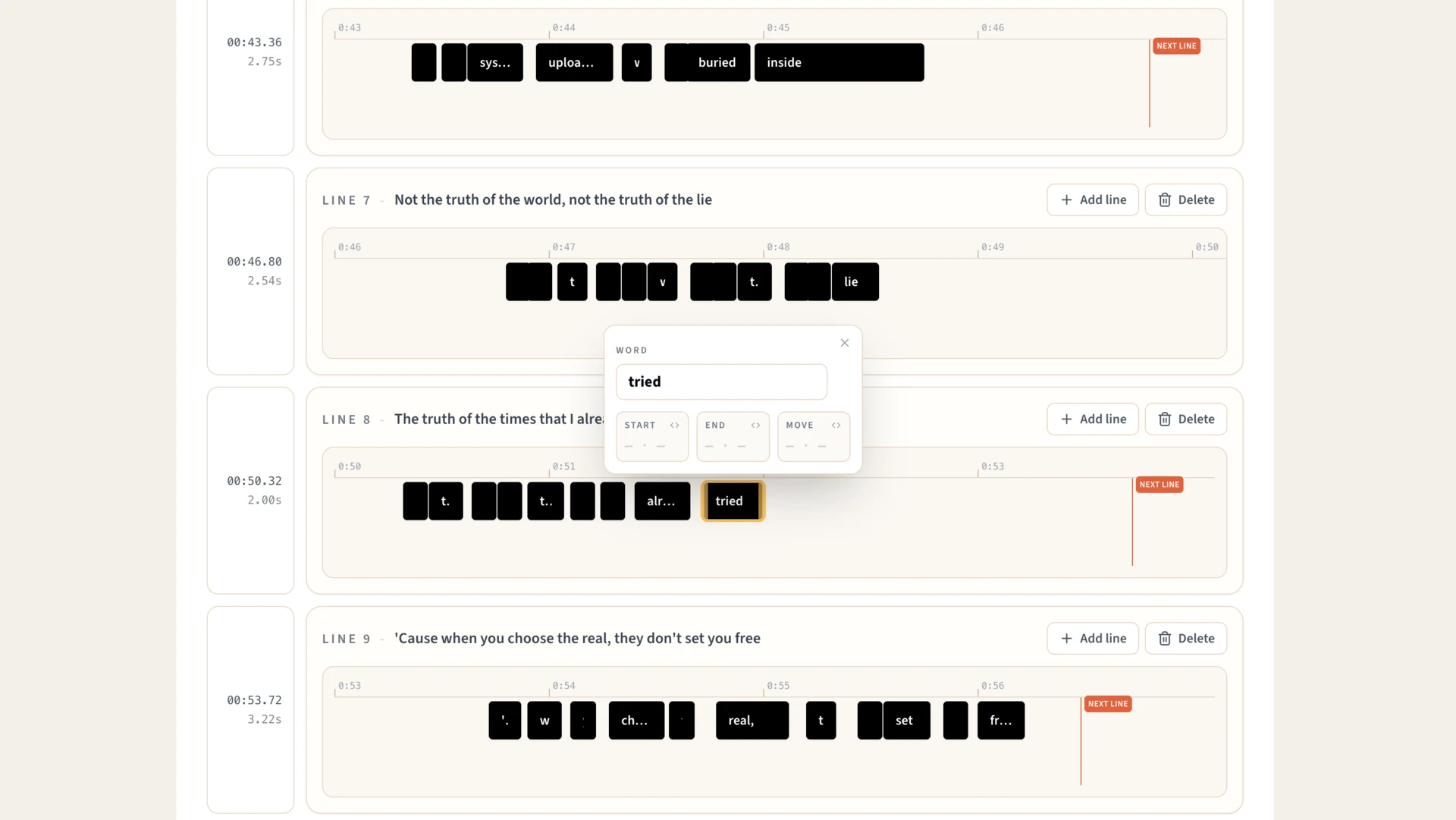
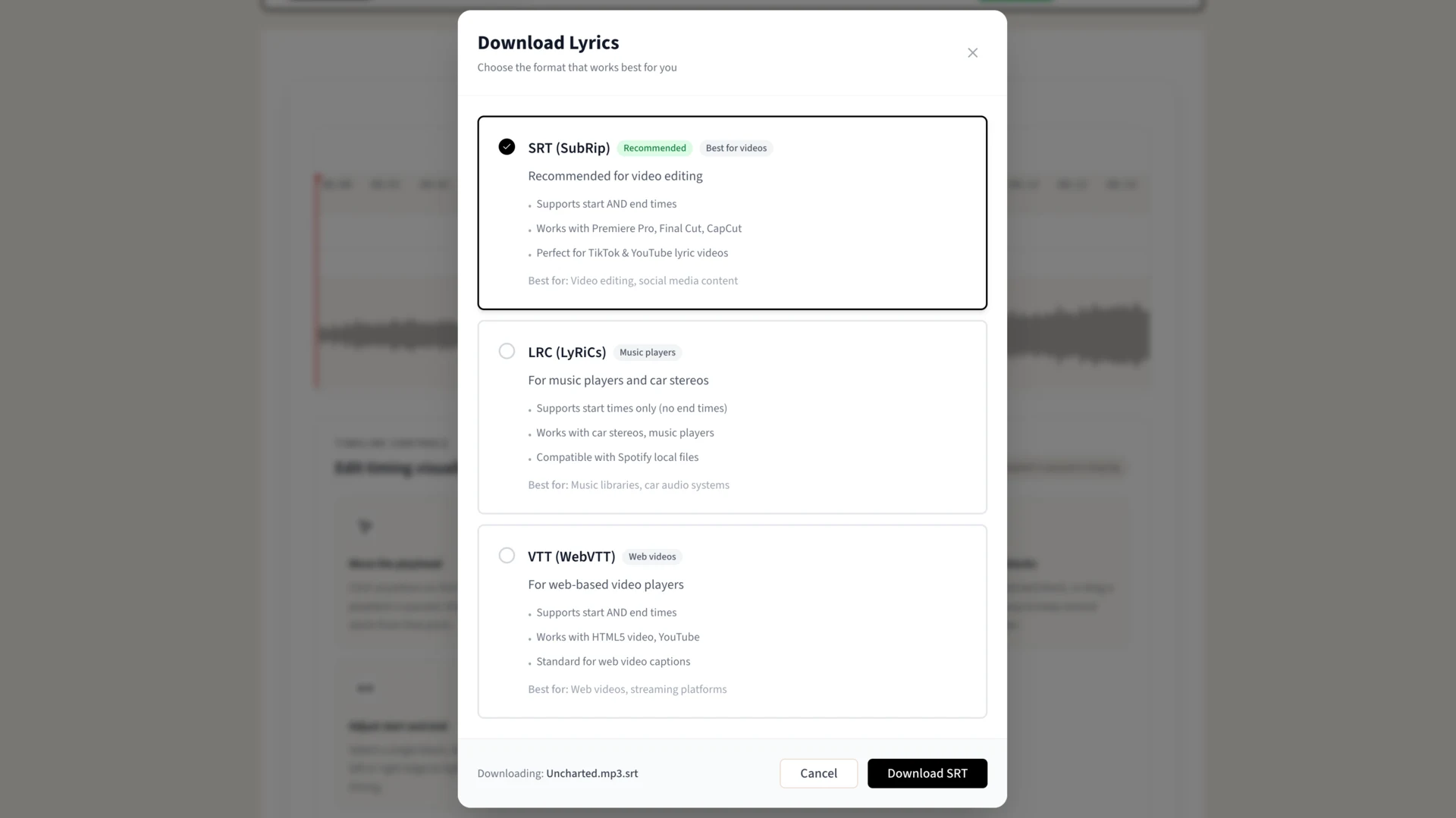
Export SRT, LRC or VTT
SRT for video editors and YouTube. VTT for web players. LRC for music players and car stereos. Same timing data, three containers.
Getting It Into CapCut
This is where most people are heading. The SRT lands as a normal file on your desktop, and CapCut imports it as a caption track — no retyping, no dragging keyframes around.
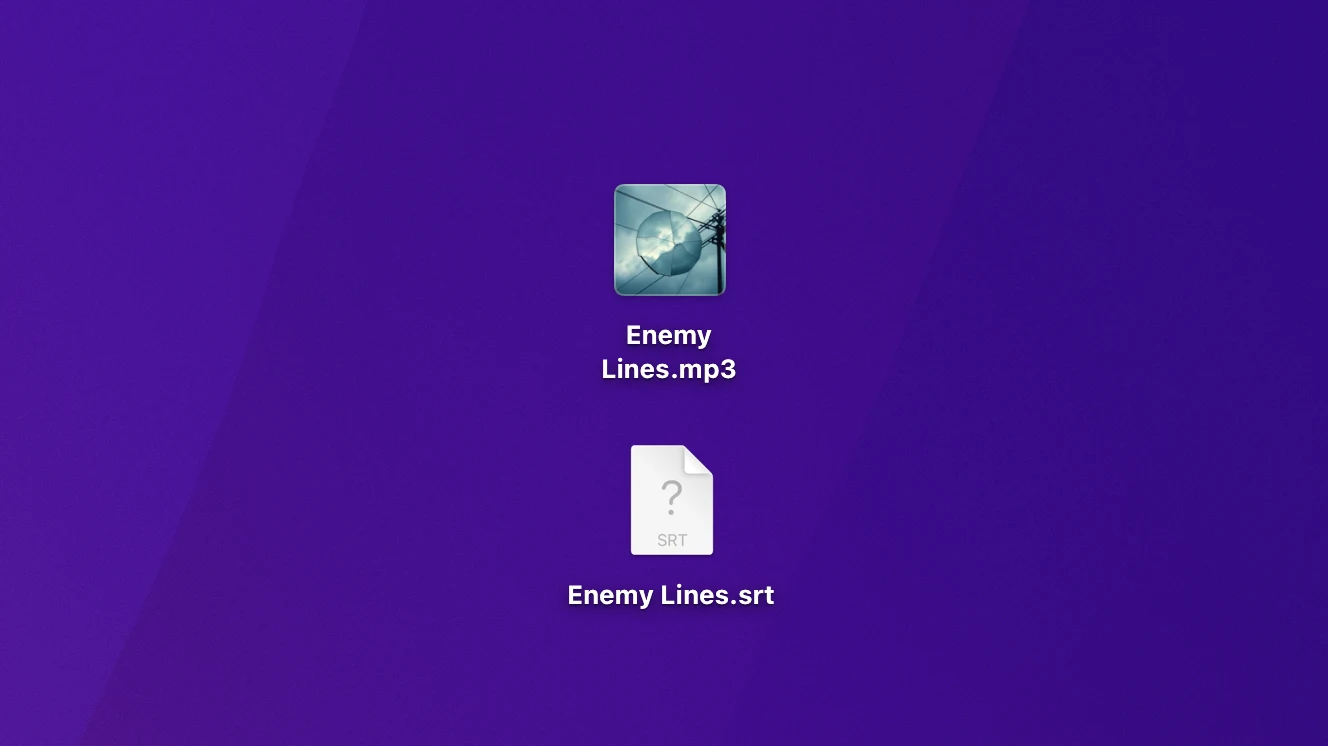
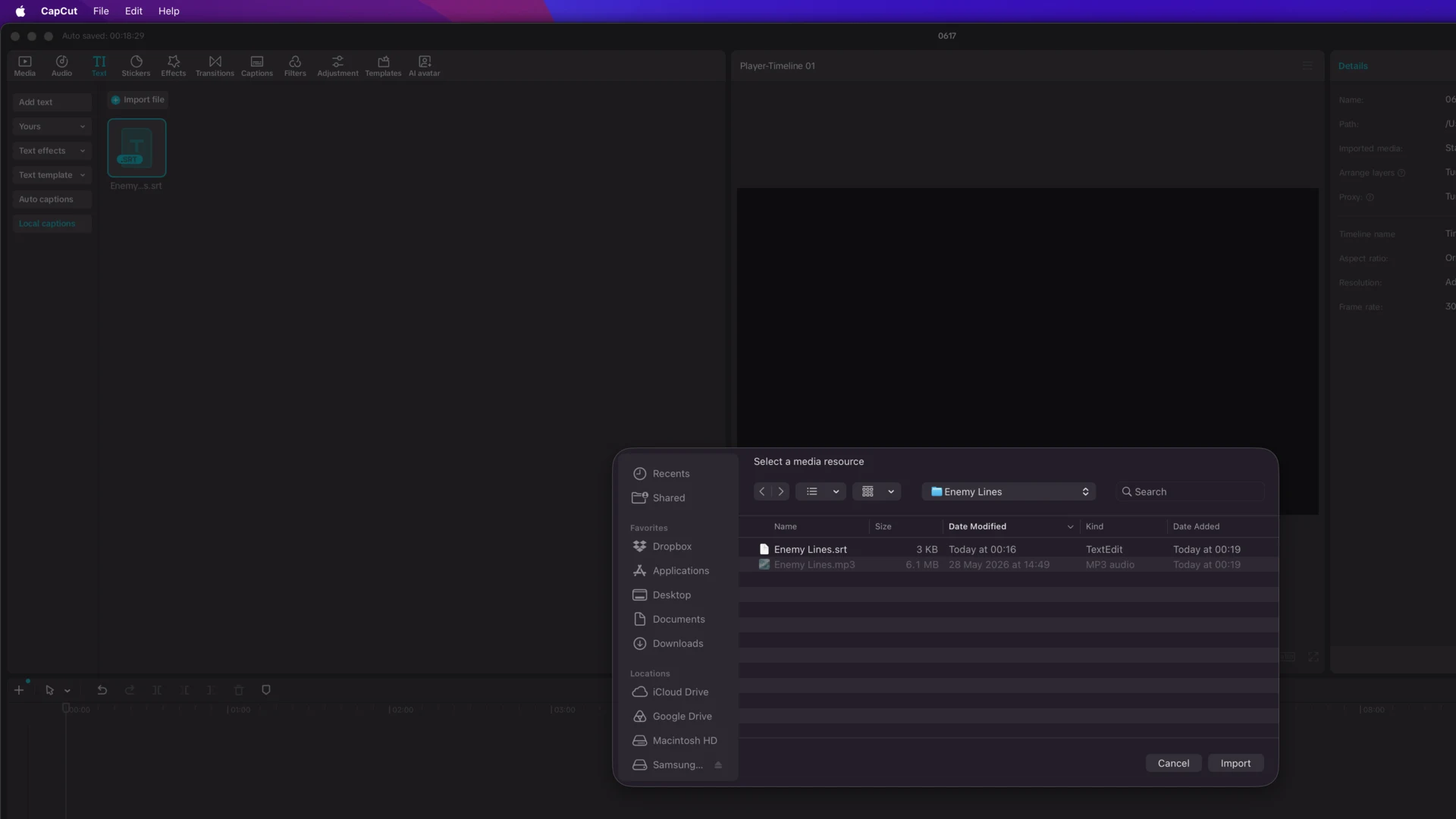
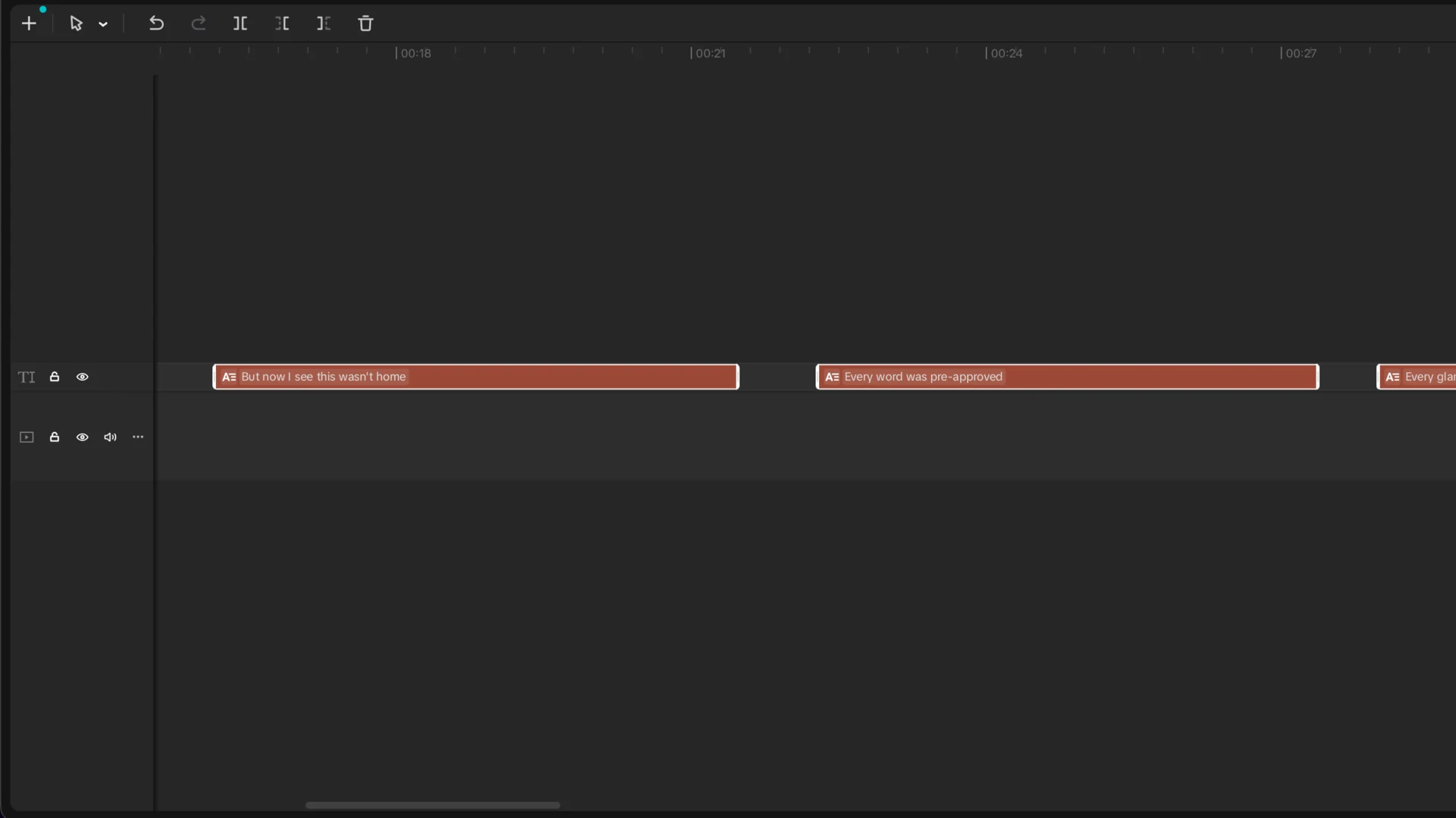
Every line lands on the timeline already in sync. Style it however you like from there.
The same file works in Premiere Pro, DaVinci Resolve and Final Cut, and uploads straight to YouTube as a caption track.
Or Skip the Editor Entirely
If the video you want is the lyrics themselves, there is no need to export a file and rebuild it somewhere else. The same timing data drives a finished video directly — word-by-word highlighting included, which is the part a line-level subtitle file cannot give you.
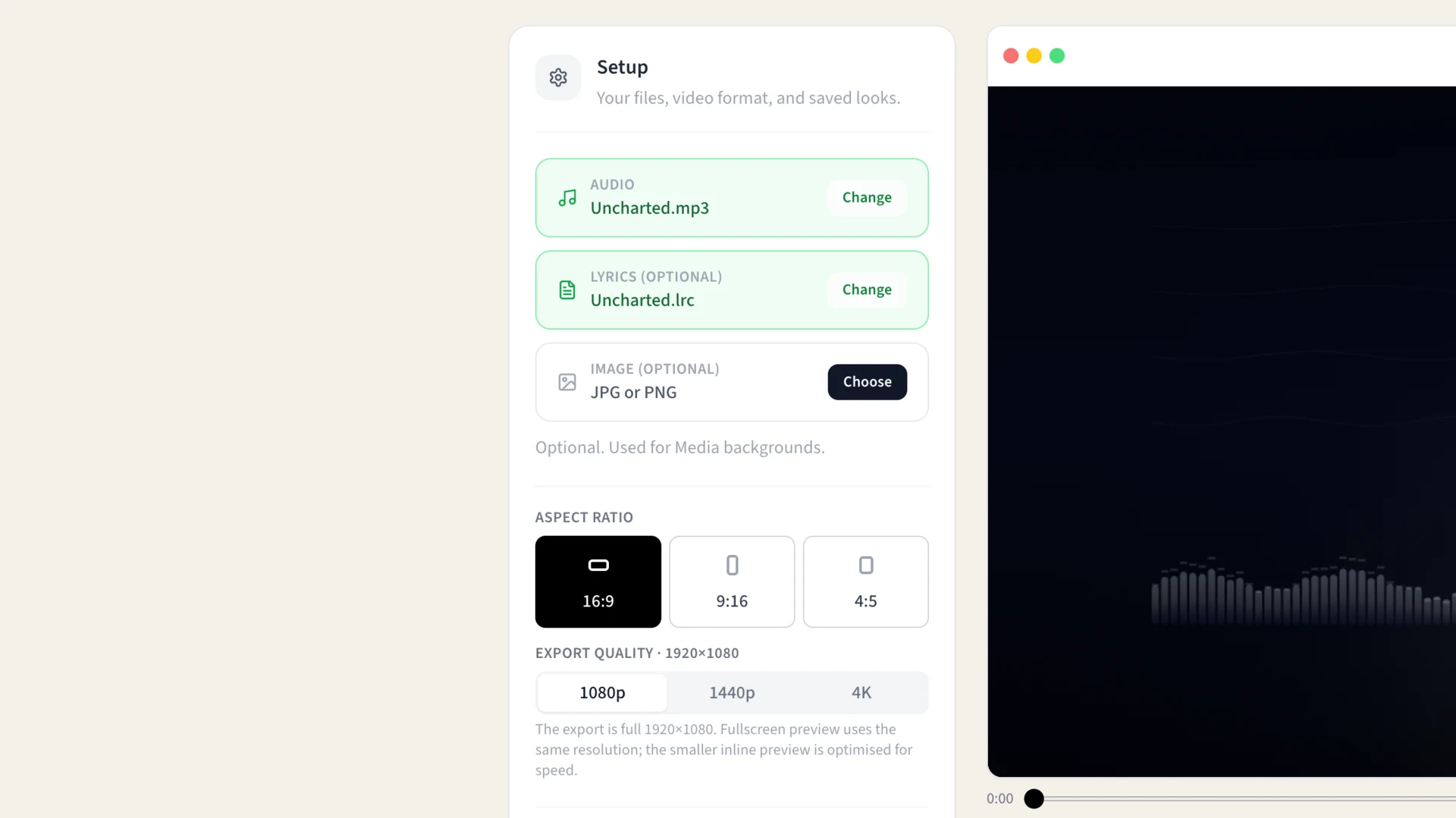
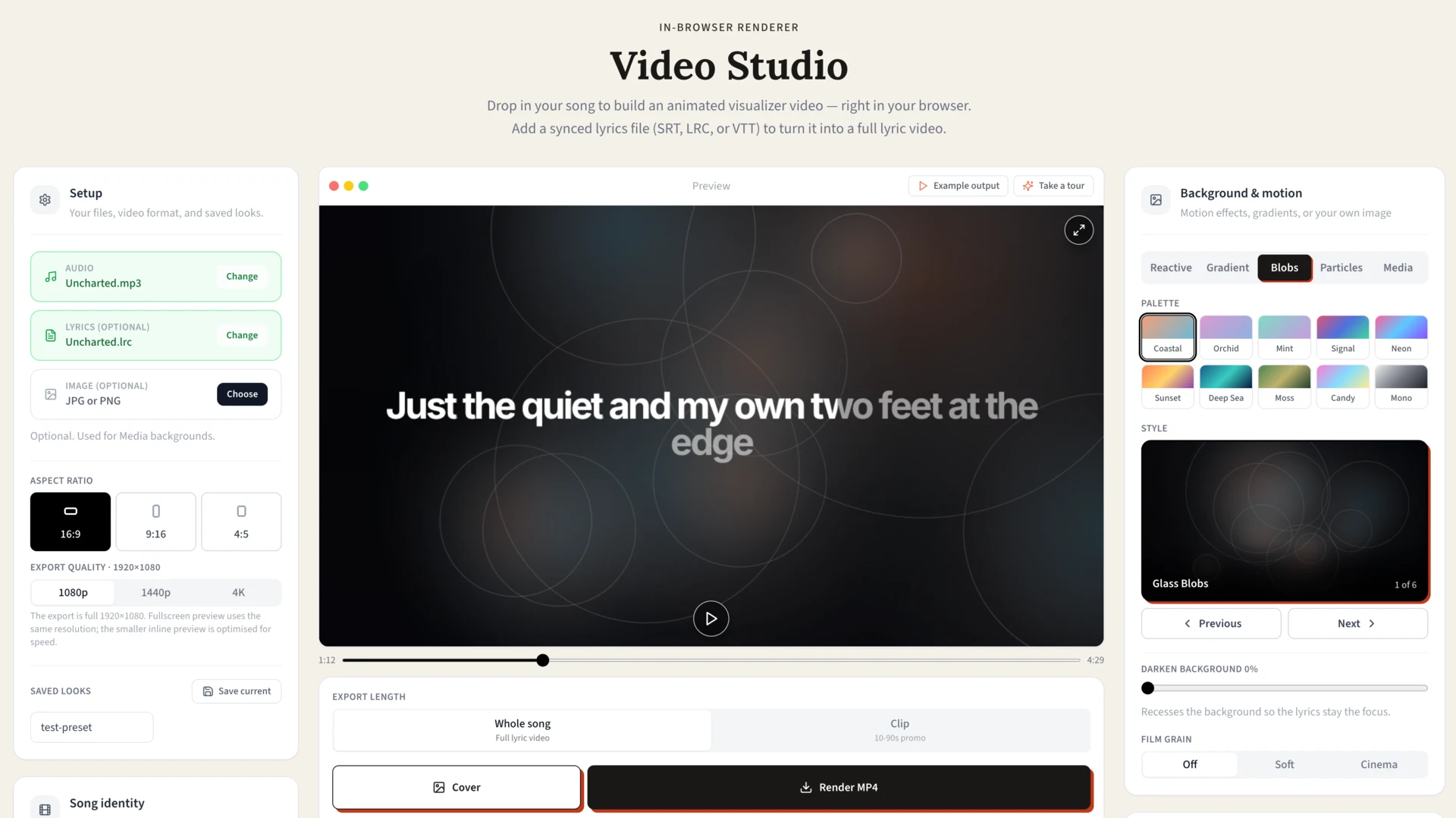
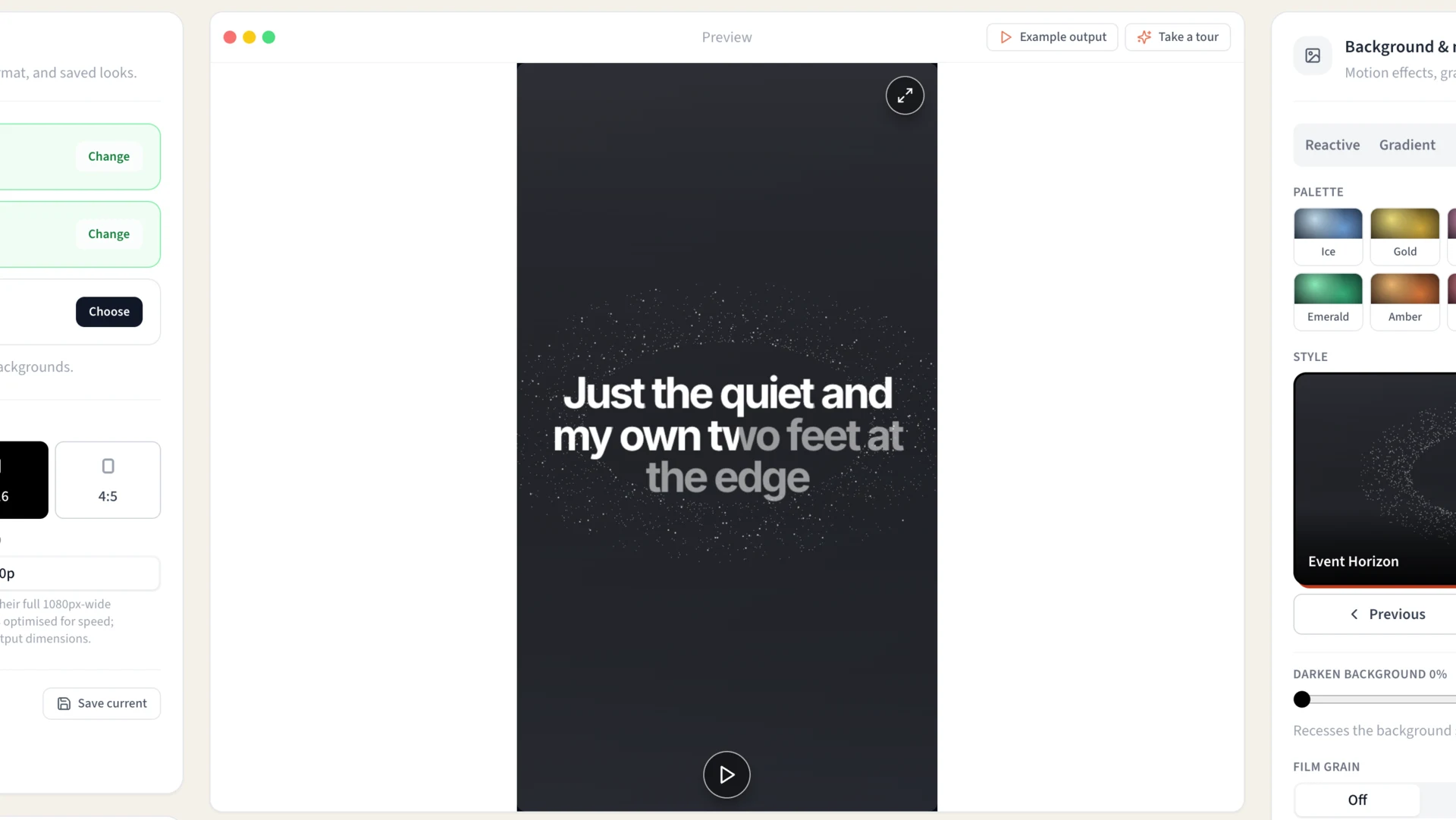
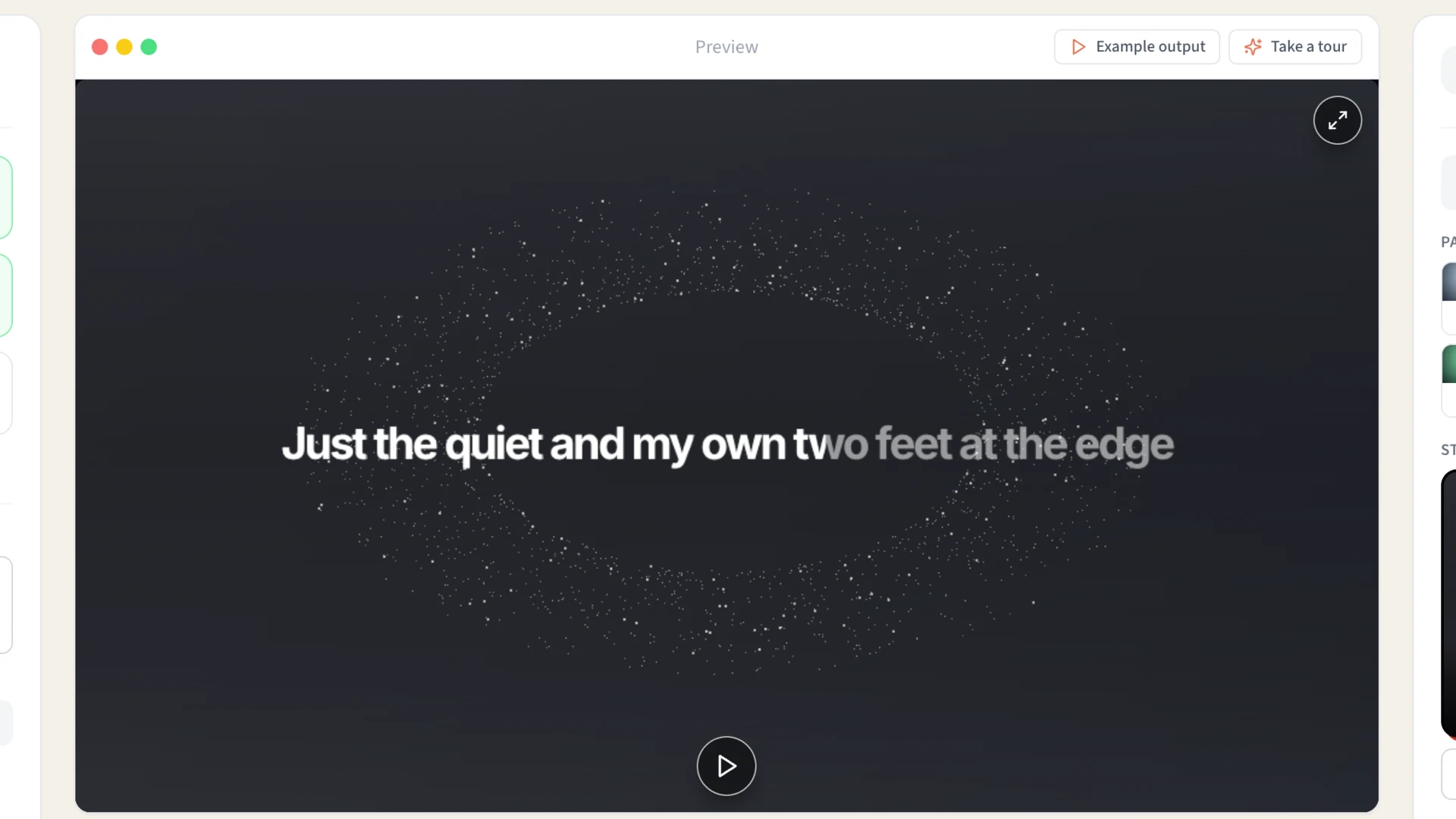
Widescreen for YouTube, from the same project.
Line Subtitles vs Word-by-Word Lyric Videos
Not every Suno track needs the same kind of lyric treatment. If you are making a simple TikTok, Reel, YouTube Short, or captioned lyric video, line subtitles are usually enough. Each line appears as it is sung, which keeps the workflow simple and works well in editors like CapCut, Premiere, and DaVinci Resolve.
Word-by-word timing is different. It is better when you want karaoke-style highlighting, where the active word changes as the vocal moves through the line. That style takes more timing detail, but it can make AI songs feel more polished, especially when the lyrics are the central visual element.
The practical decision is this: use line-level subtitles when you need a fast, readable caption workflow. Use word-level timing when you are making the lyrics themselves the main motion design element or planning to open the project in Video Studio for word highlighting.
Which Format Do You Need?
Same timing data, three containers. Pick by where the file is going.
| Format | Use it for | Where |
|---|---|---|
| SRT | Video editing and captions. The universal one — start here if unsure. | CapCut, Premiere, DaVinci, Final Cut, YouTube |
| VTT | Web video. Same idea as SRT with more styling control. | Vimeo, HTML5 players, embedded video |
| LRC | Music playback with scrolling lyrics rather than video. | foobar2000, MusicBee, Poweramp, car stereos |
You can export all three from the same project, so there's no need to decide up front.
What to Check Before You Publish
AI music can sound convincing enough that you miss small lyric mistakes on the first listen. Before publishing a Suno lyric video, do one pass where you watch the subtitles instead of listening casually. You are looking for the little things that make a lyric video feel unfinished: a missing ad-lib, a repeated chorus with different words, a line that appears too early, or a phrase that was split awkwardly.
Also check whether the subtitles fit the platform. A YouTube lyric video can show longer lines because viewers have more screen space. TikTok and Reels need shorter lines, larger text, and more space around platform UI. The same SRT file can work in both places, but the line breaks and styling may need different treatment.
The goal is not to make the subtitle file mathematically perfect. The goal is to make the lyrics feel locked to the song when someone watches the final video on the device and platform where it will actually be seen.
Works with Any AI Music Generator
The process is the same regardless of which AI created your music. If it has vocals, it can be transcribed:
- Suno — Full songs from prompts
- Udio — Suno's main competitor
- Stable Audio — Open-source option
- Any vocals — If it sings, we transcribe
AI vocals are actually easier to transcribe than many human recordings. Consistent pronunciation, clear enunciation, minimal background bleed — all things that make the transcription AI's job simpler.
FAQ
Why can't I just use my original Suno lyrics?
Suno interprets your prompt creatively. It adds ad-libs ("yeah," "oh"), changes timing, extends syllables for melody, and sometimes rephrases entirely. The output rarely matches your input word-for-word. Even if the words are the same, the timing won't sync without proper timestamps.
How accurate is AI transcription of AI vocals?
Very accurate. AI-generated vocals tend to have clearer pronunciation and less background noise than many human recordings. The main challenges are stylized vocals (heavy effects, intentional distortion) or very fast sections. Most Suno tracks need minimal editing.
Is this okay with Suno's terms of service?
Yes. Suno grants you commercial rights to songs you create (check their current ToS for specifics). Adding subtitles to your own AI-generated music is simply content creation — it's part of normal music video production.
How do I import SRT into CapCut?
In CapCut, go to Text → Auto Captions → Import (or drag-drop the SRT onto your timeline). The subtitles appear as editable text clips, already synced. You can then style them — font, color, animation, position — however you like.
Can I do batch processing for multiple tracks?
You can upload and process tracks one at a time. Each uses minutes from your balance based on audio length. For creators with dozens of AI tracks, this is typically much faster than manual subtitle creation — a 3-minute song takes about 2 minutes to process and review.
What if the AI adds harmonies or backing vocals?
The transcription focuses on the main vocal line. Backing vocals and harmonies may be partially captured if they're distinct, but typically you'll get the lead lyrics. For complex arrangements, you might need to manually add backing parts.
Free Tools If You Already Have a File
If you've already got a subtitle file from somewhere — Whisper, an extension, a script someone shared — and it just needs fixing, these run free in the browser. No account, nothing uploaded to a server.
- Timestamp shifter — for when every line lands a second or two early or late. Nudge the whole file at once instead of editing each cue.
- Lyric validator — checks an SRT, LRC or VTT for malformed timestamps, overlapping cues and encoding problems, which is usually why a file silently fails to load.
- Format converters — LRC to SRT and back, plus VTT. Useful when the file you have isn't the format your editor wants.
- Local player — drop an audio file and its matching lyric file in together to check the sync before you build a video around it.
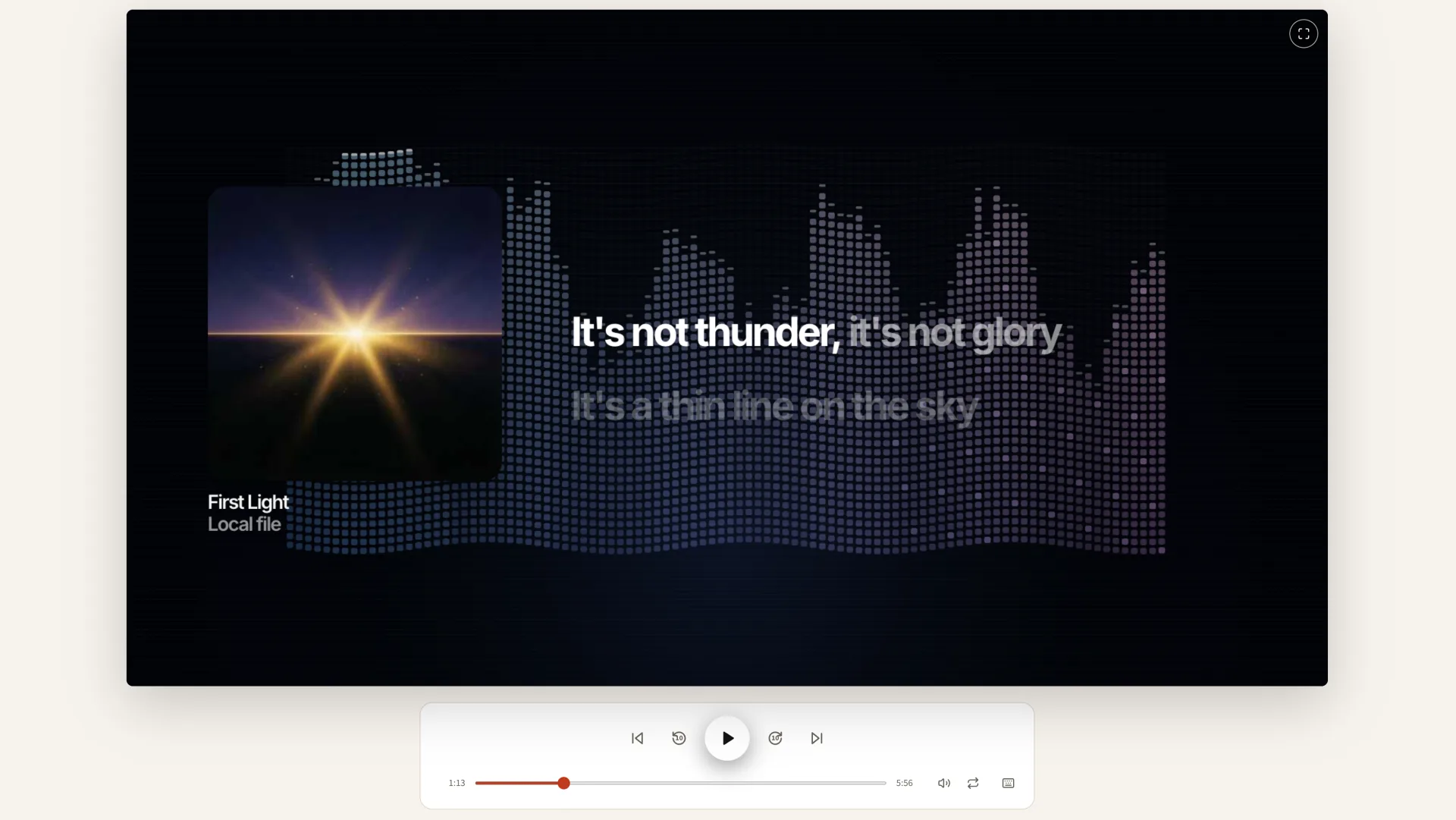
The player pairs an audio file with its lyric file by matching filenames. Nothing is uploaded — the files stay on your machine.
None of these need a LyricTime account. They're worth trying before you pay for anything.
