Comparison · 9 min read · Updated July 2026
LyricTime vs CapCut: Which Is Better for Lyric Videos?
CapCut is a capable general video editor. LyricTime is a specialist workflow for syncing lyrics, creating subtitles, and turning those lyrics into a finished video. The better choice depends on which part of the job you want the tool to handle.
The short answer
Choose LyricTime when accurate lyric timing, fast line subtitles, karaoke-style word highlighting, and reusable visual presets are the priority. Choose CapCut when you need a flexible timeline, detailed footage edits, many layers, or effects beyond the lyrics. For maximum control, sync in LyricTime and finish the wider edit in CapCut.
| Workflow | LyricTime | CapCut |
|---|---|---|
| Best at | Syncing lyrics and producing lyric videos quickly | Flexible, general-purpose video editing |
| Line subtitles | Generated, reviewed, styled, and exported in one workflow | Import captions or create and time text in the edit |
| Word highlighting | Purpose-built karaoke timing and visual presets | Possible, but usually needs more manual setup |
| Your own footage | Upload footage and place synced lyrics over it | Full control over cuts, layers, transitions, and effects |
| Reusable looks | Save lyric-video styles and reuse them | Templates and projects offer broader editing flexibility |
| Learning curve | Focused controls for lyrics, backgrounds, and export | More tools to learn because it handles many kinds of video |
Line subtitles: the fastest route for most videos
Most songs do not need every word to animate individually. Clean line-level subtitles are easier to review, quicker to edit, and a natural fit for YouTube captions, performance footage, music videos, and understated lyric videos.
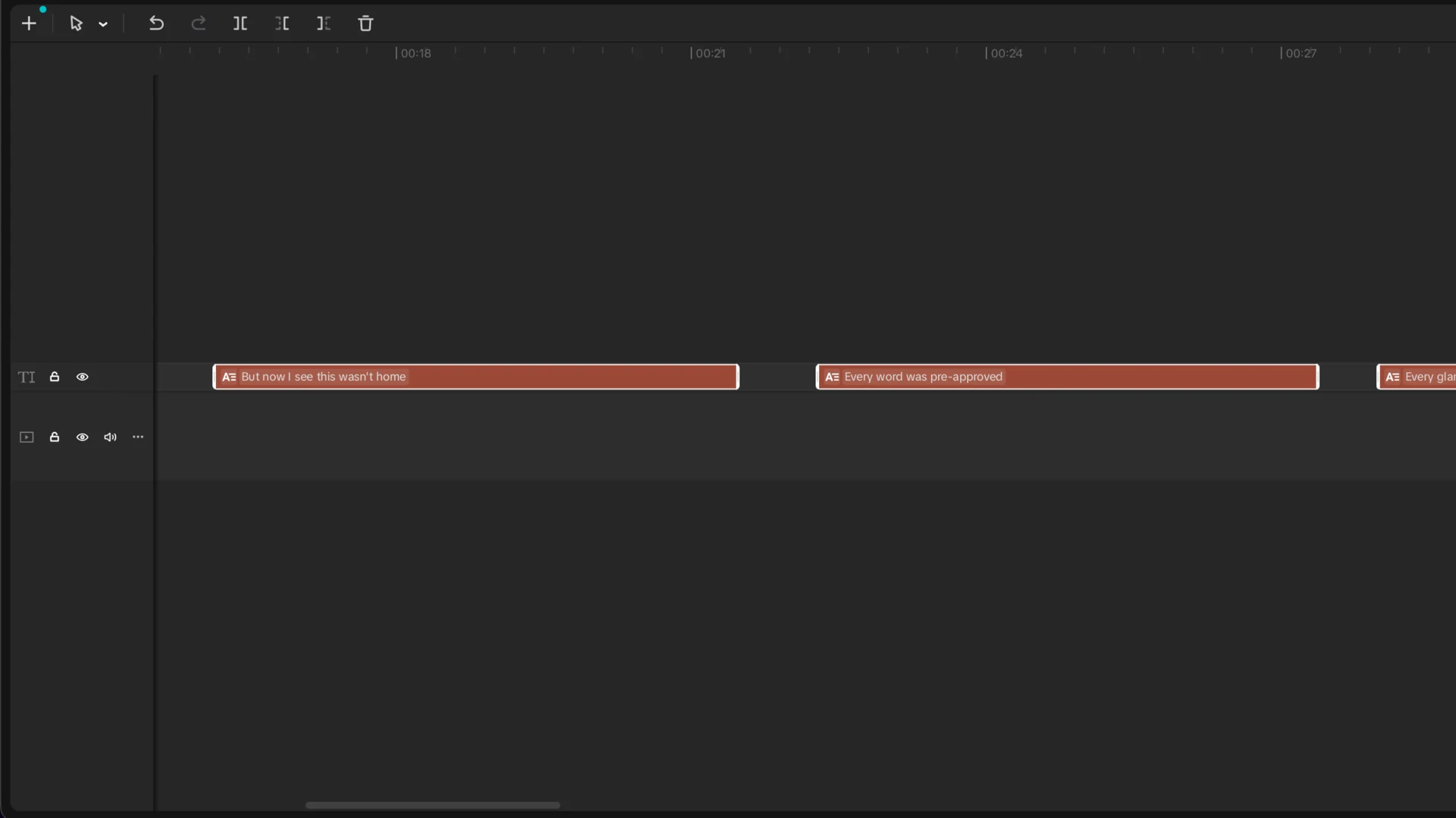
In LyricTime, line level is the recommended starting point: paste your lyrics if you have them, match the start and end of each line, then export a subtitle file or continue into the Video Studio. In CapCut, you can import that timed file and use its broader editing tools around it. See the separate CapCut import guide for that hybrid workflow.
Word highlighting: where a specialist saves the most work
Word-level timing has a higher visual payoff, especially for karaoke, hooks, short clips, and songs where the vocal rhythm should drive the design. It also creates much more timing work in a general editor.
LyricTime attaches timing to each word and uses it directly in fill, smooth, halo, player, and one-word layouts. A long word can fill across its own duration, while shorter words move more quickly. That lets the animation follow the performance without building a separate keyframe sequence for every lyric.
Speed comes from removing repeated setup
The advantage is not that LyricTime has more editing tools. It is that it has fewer irrelevant ones. The lyrics, timestamps, layouts, backgrounds, aspect ratios, and export controls live in one focused path. Saved looks also mean the next release does not have to start from a blank project.
With ready lyrics, choosing settings can take only a few minutes, followed by the render. Starting with audio alone takes longer because transcription and review still matter, and export speed varies by hardware, resolution, and song length.
CapCut wins when the video edit is the difficult part
If you are cutting a performance from several cameras, masking subjects, building a montage, mixing many visual layers, or adjusting effects shot by shot, CapCut is the more appropriate environment. Its general timeline is an advantage when the video itself needs detailed construction.
You do not have to choose one tool for the entire project. Generate and review the timing in LyricTime, export SRT, and bring it into CapCut. That keeps CapCut focused on the work it is good at while avoiding the slowest part of a lyric edit.
LyricTime wins when the lyrics are the video
For a complete lyric video, a visualizer, or lyrics over one existing video, the dedicated Studio can take you from synced words to an MP4 without leaving the browser. You can use artwork or your own background footage, switch between widescreen and mobile formats, and preview the result before exporting.
Both line and word timing belong in that workflow. Line subtitles provide speed, clarity, and a calmer style; word highlighting provides movement and expressive detail. The right default depends on the song and the amount of editing you want to do.
Common questions
Does LyricTime replace CapCut?
Not for every project. LyricTime is the faster specialist when lyrics and timing are the main job. CapCut is stronger when the project needs detailed cutting, compositing, or broader video effects.
Can I use both?
Yes. Export SRT or VTT from LyricTime and continue editing in CapCut, or make the whole lyric video in LyricTime when you do not need a general timeline.
Is LyricTime only for word-by-word karaoke?
No. Line-level subtitles are the recommended fast option for most videos. Word-level timing is available when you want more expressive karaoke highlighting.
How quickly can I make a lyric video?
If your lyrics are ready, the focused setup can take only a few minutes. Export time varies with song length, resolution, browser, and computer. Audio-only projects also need transcription and review time.
Make the Lyrics the Easy Part
Start with line subtitles for speed or choose word-level timing for karaoke-style highlighting. Then export a subtitle file or a finished video.
Paid minutes start at $3 • Monthly and one-time options
