Guide · 5 min read
How to Make a Free Lyric Video From an MP3
You do not need a full music-video budget to give a song something visual. If you already have an MP3 and timed lyrics, you can turn them into a lyric video for free.
Before you start
What you need
This workflow is for music you already own or created: original songs, demos, Suno tracks, or anything else you are allowed to use. It is useful for sharing music on YouTube, TikTok, Instagram Reels, or with friends.
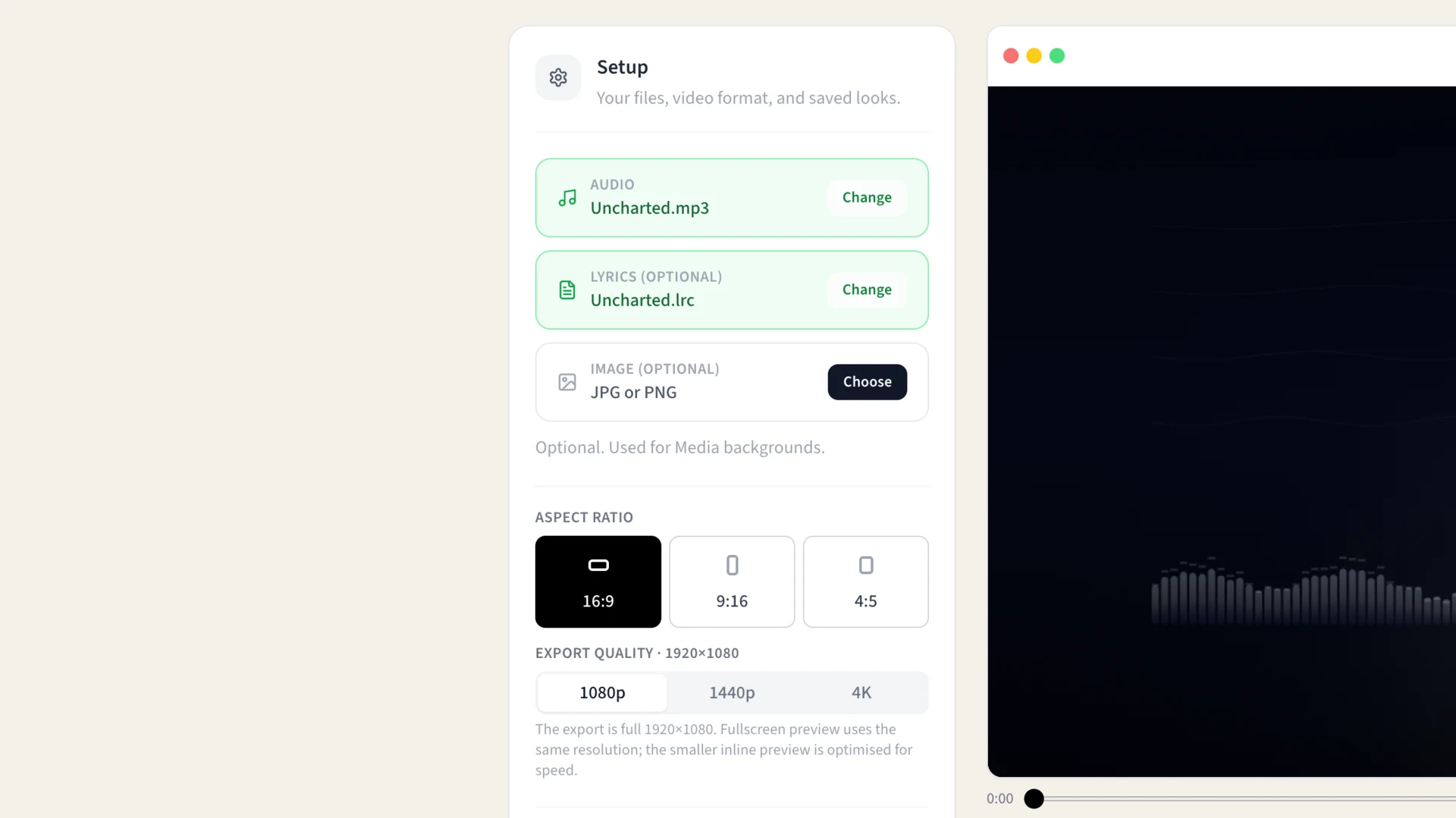
- An MP3 of your song
- A timed lyric file in SRT, LRC, or VTT format
- LyricTime’s free Lyric Video Studio
The lyrics need timestamps. A plain text lyric sheet is not enough for a video where each word appears at the right moment.
Step 1
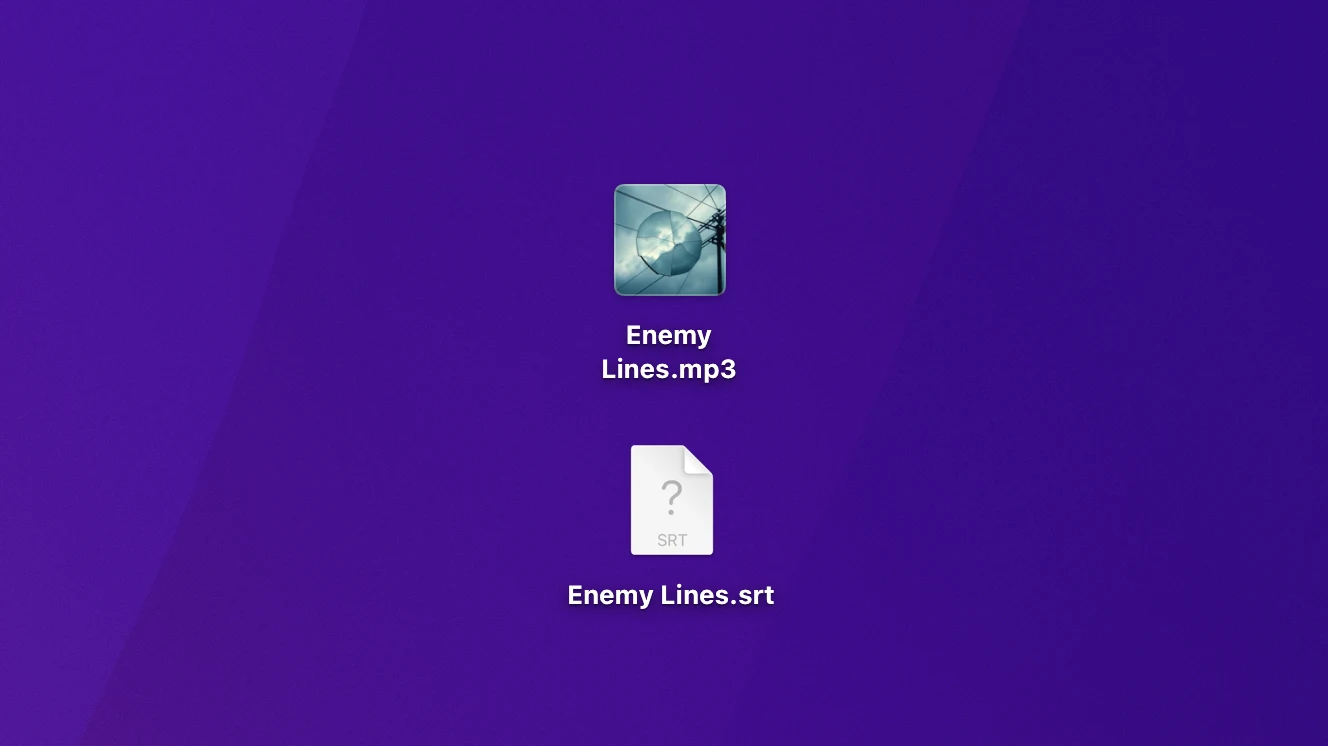
Prepare your MP3 and lyric file
Use the exact MP3 that your lyric file was timed against. If your file is called my-song-final.mp3, make sure the SRT, LRC, or VTT was created from that same final version—not an earlier demo, trimmed edit, or remix.
Step 2
Open LyricTime’s Video Studio
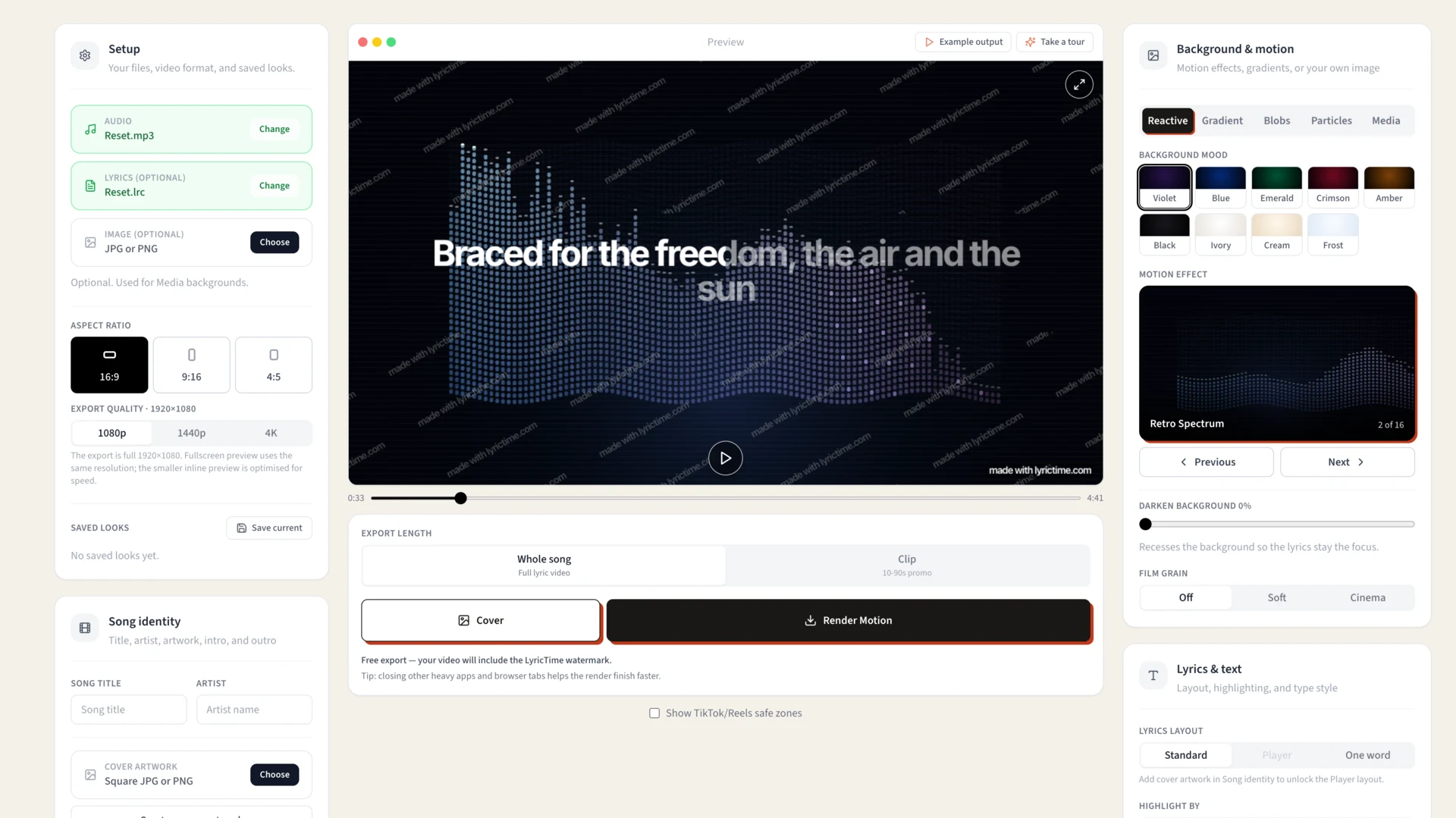
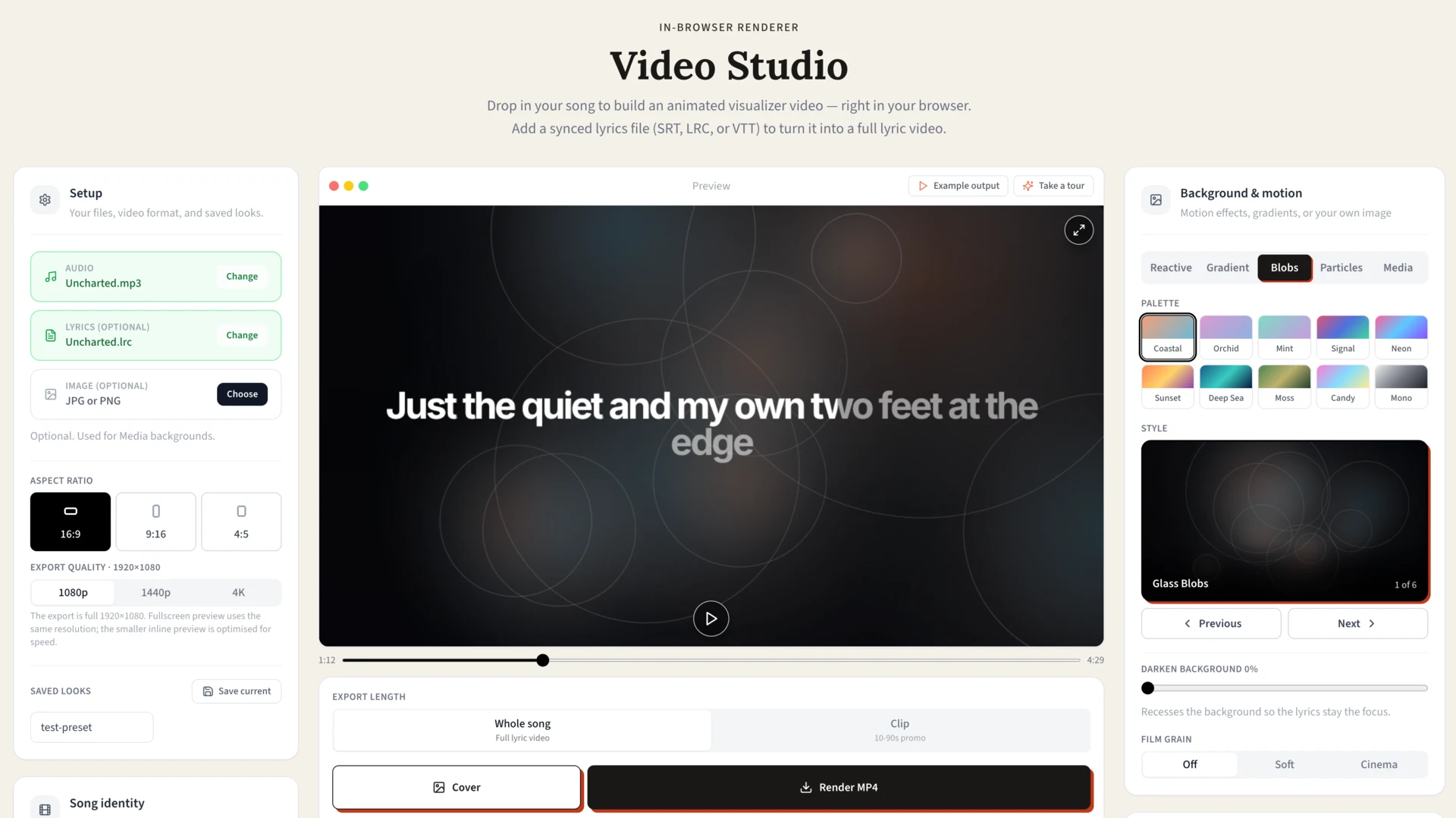
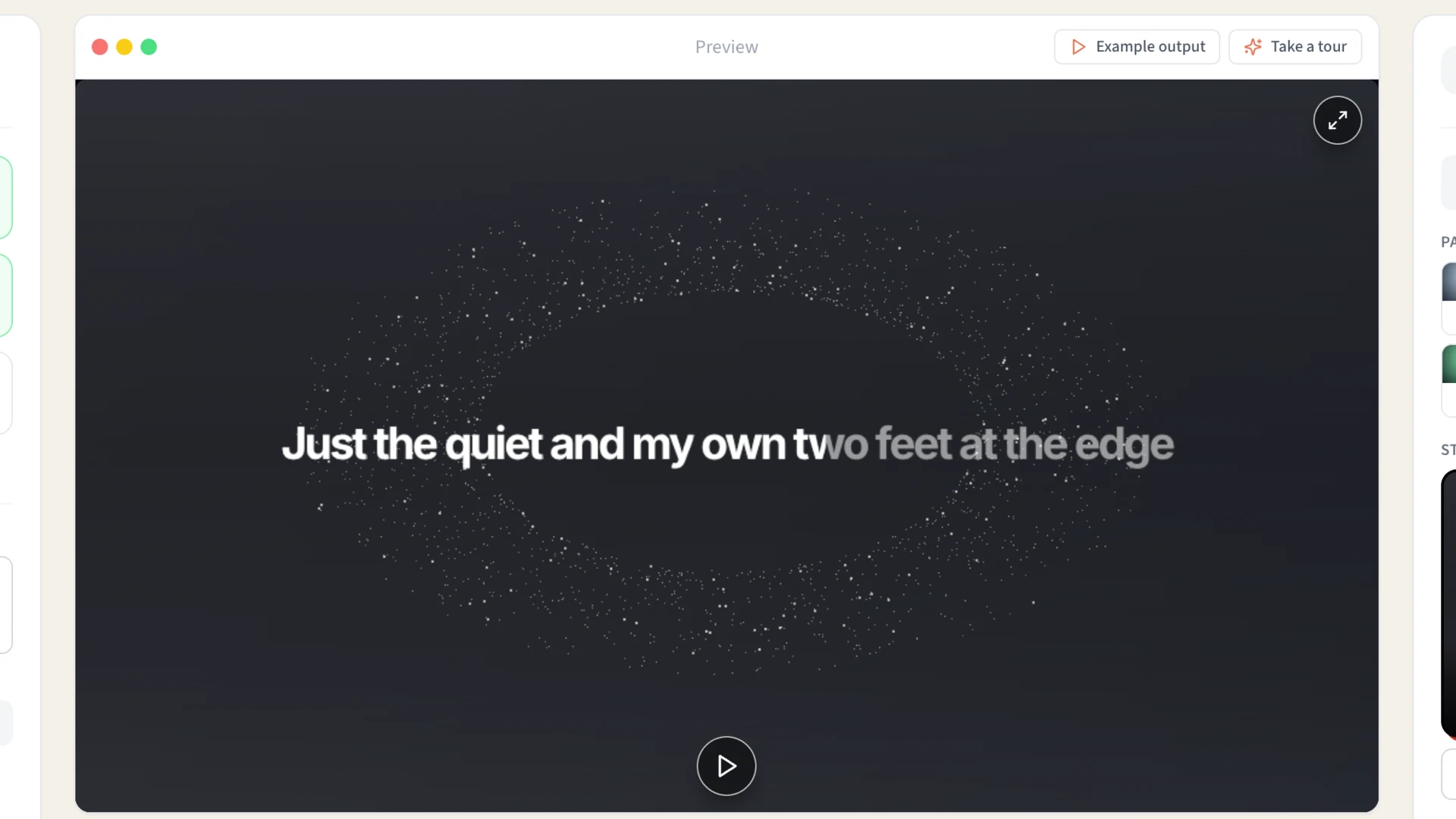
Go to the Lyric Video Maker and open Video Studio. Upload your MP3, then import the timed lyric file. The preview should show the words changing with the song.
If they do not line up, double-check that you used matching audio and lyric files.
Step 3
Choose a simple visual style
Start with readability before adding effects. Choose a background with enough contrast, keep the lyric lines large enough for phone screens, and avoid putting important words too close to the edges.
A simple lyric video that is easy to read will outperform a complicated one that is hard to follow.
Step 4
Preview the whole video
Watch the start, chorus, and ending before exporting. Look for:
- Misspelled words
- Lyrics appearing too early or too late
- Text that is difficult to read against the background
- Lines that sit outside the safe area on a vertical video
Fixing these before export is much easier than reposting later.
Step 5
Export your free lyric video
Export the finished video and share it where your audience is. Use a vertical layout for TikTok, Reels, and Shorts; use widescreen for YouTube.
Free exports include a LyricTime watermark. That is useful for testing a style, sharing a first version, or deciding whether the workflow suits your songs. Customers with a paid minute pack or subscription can export watermark-free videos.